
Intro #
In this post, I’m going to go over the core technologies and frameworks that I’m using for project heist, as well as some of the main core principals I use to approach its development!
Here is a quick bullet list of the main tech foundations that this game is built on:
Unity #
Unity3d is the game engine I’m using. I can’t say that I love it, but I’ve been using it for both side projects and professionally for well over a decade now. As a result, I’m pretty proficient with it and can take advantage of its tools while avoiding its many pitfalls.
When I first started game programming, I cobbled games together using libraries like OSLib, Allegro, and SFML to build my own 2d games. These weren’t game engines, but frameworks you could use to start building your own. As a result, I’ve built a few small hobby game engines over the years (something I recommend every professional game programmer gives a try!), so I’m not particular about any 1 game engine. Off the shelf game engines tend to solve similar problems, so if you can learn one, you can learn others pretty easily with enough time & patience!
Godot would also have been a great choice for this project. It has powerful tools for making a 2D game, It supports a more up-to-date version of .Net/C#, and It’s also open source & free, so it’s unlikely to start charging an installation runtime fee 🙄. However, besides familiarity there is another reason I wanted to use Unity, and that is because it’s what Quantum supports!
Quantum (v3) #
Quantum is a wonderful framework I’m using to actually write the game simulation code. A quick TLDR from their website:
Quantum is a high-performance deterministic ECS (Entity Component System) framework for online multiplayer games made with Unity, for up to 128 players. Using predict/rollback networking, it is both ideal for latency-sensitive online games like sports games, fighting games, & FPS and also robust when faced with larger latency network connections.
Because Unity is not bit perfectly deterministic, Quantum has its own utilities for building a game simulation.
This includes a fixed point based Math library (floats aren’t reliably deterministic across platforms after all!),
a physics
engine, navigation, asset configs, etc., as well as it’s own DSL for defining game state.
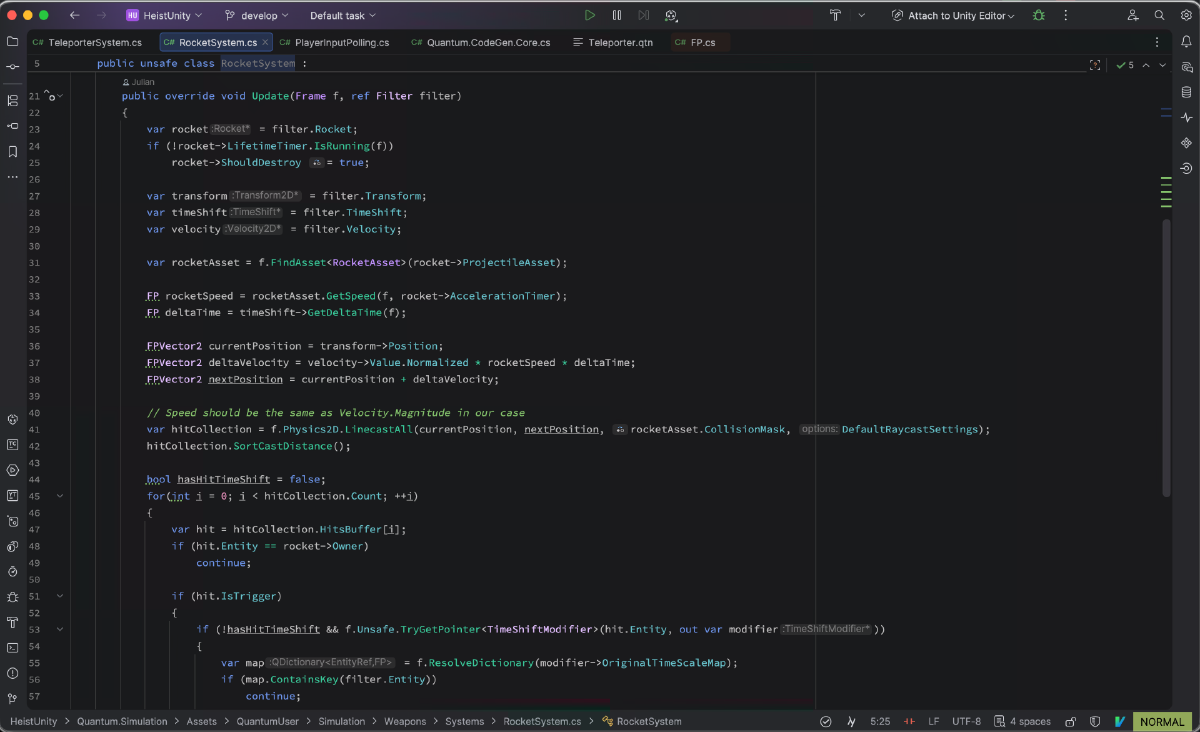
You manipulate that state with Systems that you put your logic into. In order to get work done, you define what
components you want your system to filter, then loop through those entities.
For example, Defining a component with Quantum’s DSL:
1component Movement
2{
3    // 'Fixed-Point Vector2
4    FPVector2 Velocity;
5}
Then using it in a System to actually do logic:
 1
 2public unsafe class MovementSystem :
 3                    SystemMainThreadFilter<MovementSystem.Filter>
 4{
 5    public struct Filter
 6    {
 7        public EntityRef Entity;
 8        public Movement* Movement;
 9        public Transform2D* Transform; // <- Transform2D is a built in quantum component
10    }
11
12    // 'Update' will automatically be called for every
13    // entity that matches the filter
14    public override void Update(Frame f, ref Filter filter)
15    {
16        var entity = filter.Entity;
17        var movement = filter.Movement;
18        var transform = filter.Transform;
19
20        transform->Position += movement.Velocity * f.DeltaTime;
21    }
22}
If you’ve only working with Unity Monobehaviors, It might sound a little overwhelming, but it doesn’t take much time to get used to. After playing around with it for a few months, I have absolutely fallen in love with it! Not only is it incredibly performant by default, I have noticed my code is FAR easier to read and reason about. Writing new features ends up being way more straight forward due to it’s ECS architecture. My small example here doesn’t do it much justice, I encourage you to check out their webpage and give quantum a try!